
Clinic scheduling application
A custom scheduling system that lets administrators build and revise schedules while guaranteeing that staff only ever see approved ones.
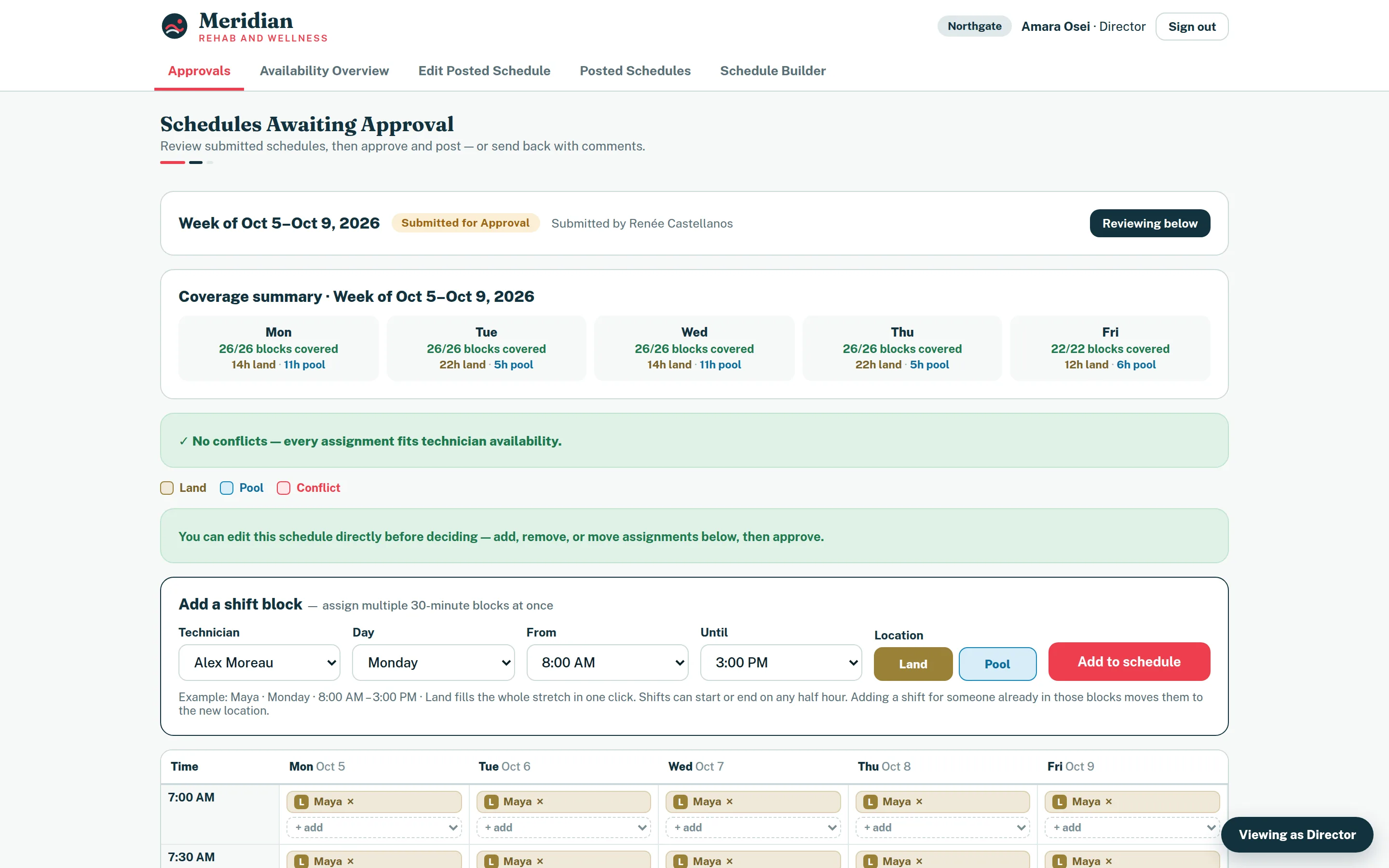
Built for Fusion Rehab & Wellness. The clinic, its brand and every member of staff shown here are the demo's own, invented so that no real schedule or person is shown.
- What it is
- Web application
- Whose
- Client project
- Status
- In production, in weekly use
See it working.
Overview, problem and solution.
Overview
A scheduling application for Fusion Rehab & Wellness's technicians, built by Vahzor and in weekly use. Administrators build and revise the week; technicians and therapists see only what a director has approved.
The problem
A clinic week is assembled from recurring availability, approved time off and two treatment locations, and it changes after it is published. The risk is not building the schedule — it is a member of staff working from a draft that was never approved, or from a version that has since been revised.
Six kinds of staff need six different amounts of authority over the same data, and hiding a button is not access control.
The solution
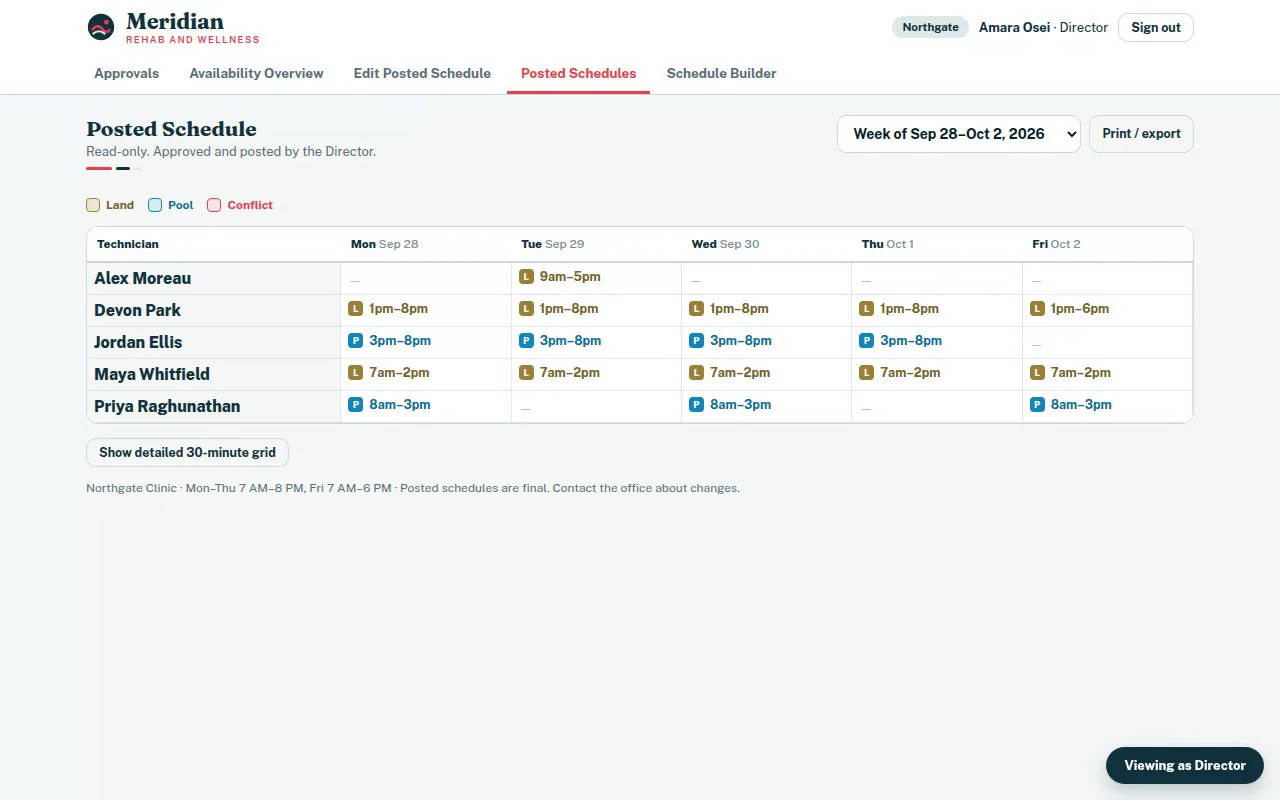
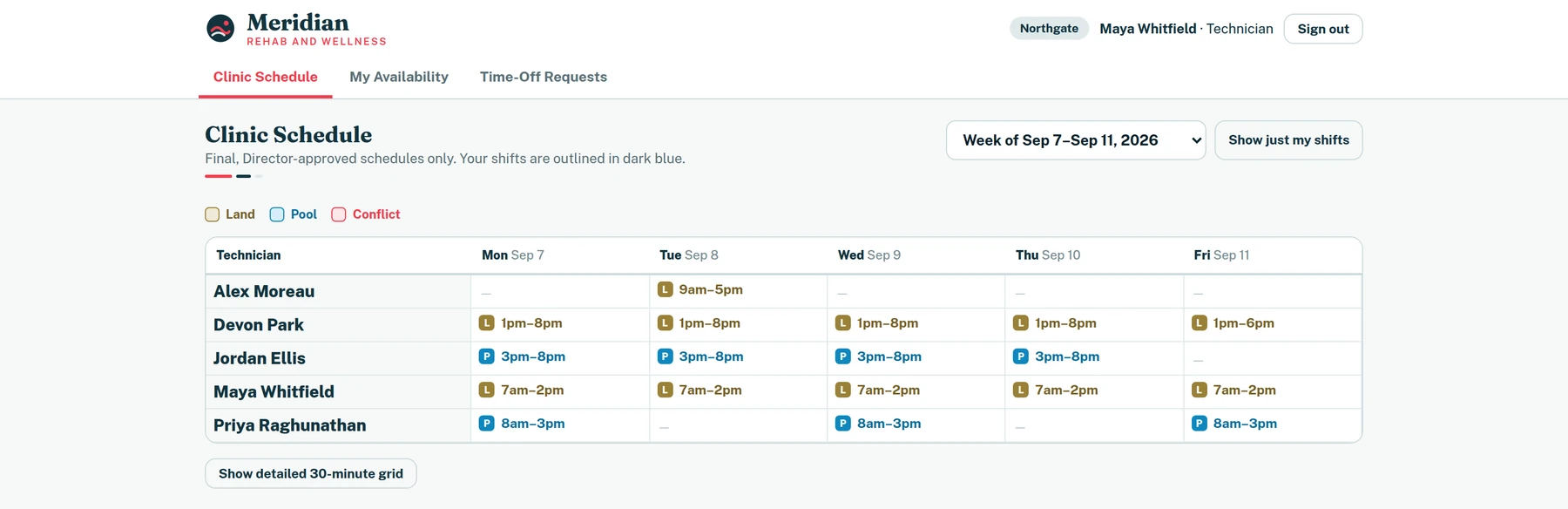
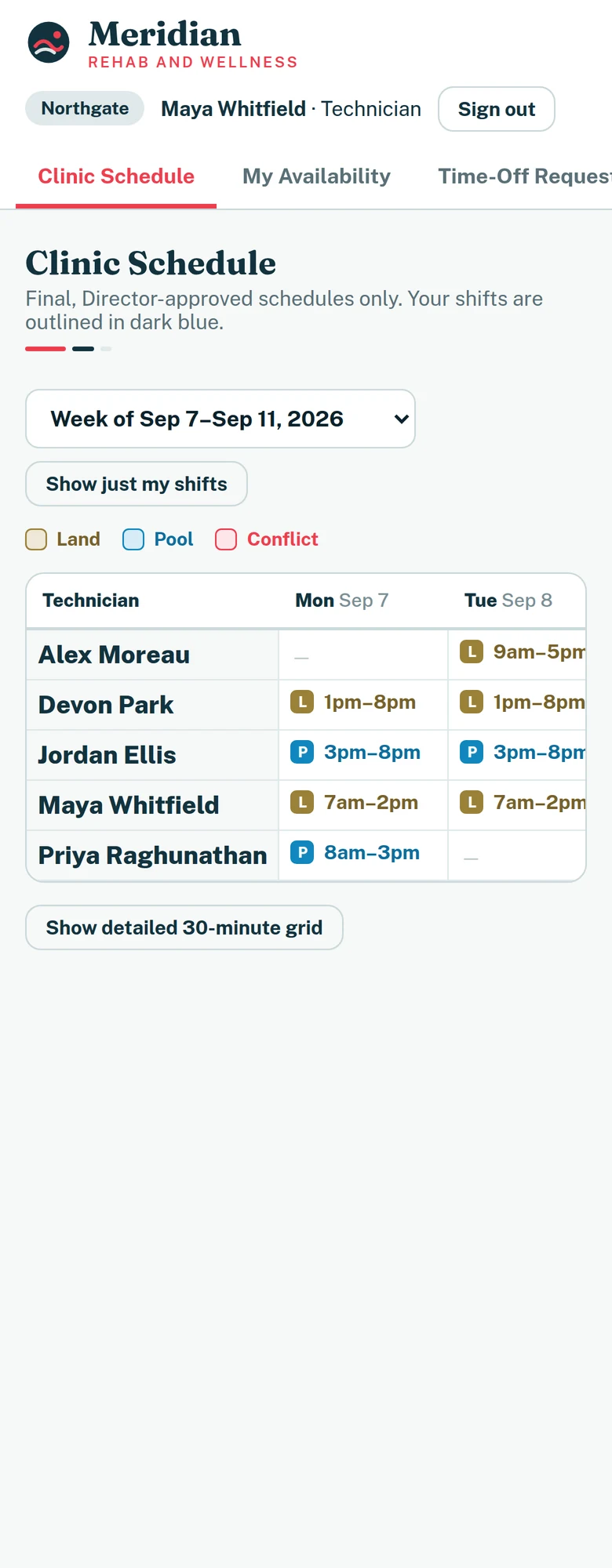
Schedules move through an explicit chain: draft, submitted for approval, posted. Editing a posted week does not change what staff see; it opens a revision that a director has to approve, and until then everyone keeps reading a frozen copy of the live schedule.
Availability, time off and partial-day absences feed a conflict check that runs continuously against the 30-minute grid, so a scheduler is told about a clash while building rather than after posting.
Every role's permissions are enforced in Postgres with row-level security. The interface reflects what the database will allow rather than being the thing that decides.
How an application like this can keep changing with the team that uses it: Custom Business Apps: Software Built Around the Way You Work
Clinic scheduling application, screen by screen.



Technical notes.
- Row-level security policies are the authorization model — the client holds no privileged path.
- Scheduling is stored on a 30-minute grid, which is what lets partial-day time off be compared against assignments exactly rather than approximately.
What the client says.
Google review
“Vahzor built me a website to help schedule my technicians for my clinic. It's very easy to use and solved a big problem for me. They are quick to help with any changes I need. I recommend them for any website needs you have!”
Have a similar project?
Describe what you are trying to build or improve, and Vahzor will help define a practical path to it.
Next: Para Schedule